
Locations
Locations describe where things physically are. Without them every question has to be asked in terms of device IDs; with them you can ask about the Aarhus plant, or line 3, and get an answer.
The hierarchy
Section titled “The hierarchy”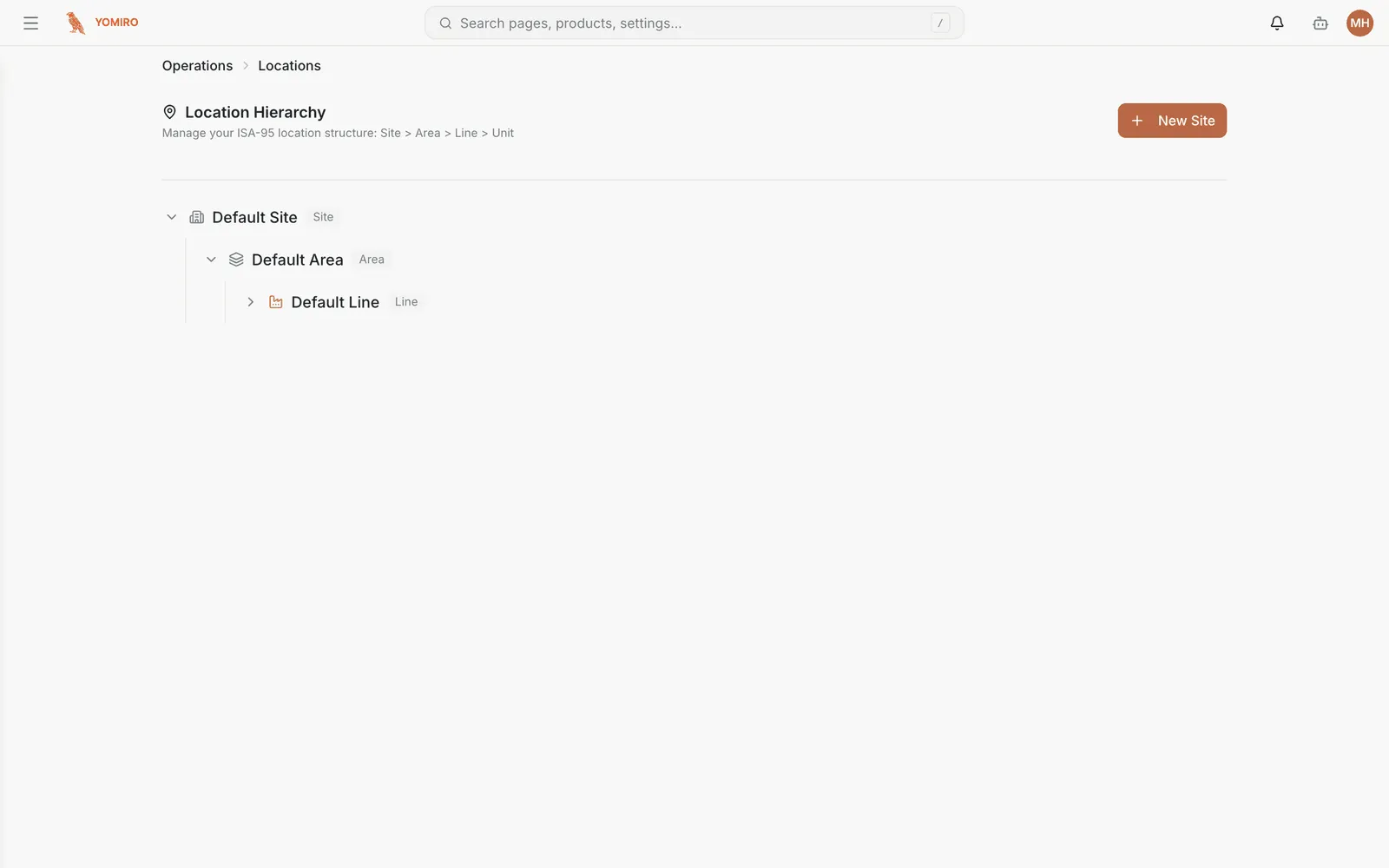
Locations form a tree following the ISA-95 standard used across manufacturing:
Site the plant└── Area a department or zone └── Line a production line └── Unit a station or machineThe levels are enforced, not advisory. A site can only contain areas, an area only lines, a line only units, and a unit is a leaf.
Assigning devices
Section titled “Assigning devices”Devices attach at line or unit level only. You cannot assign a device directly to a site or an area — those levels exist to aggregate, not to hold hardware.
This is usually the point of confusion when a device seems unassignable: the target is too high up the tree.
Naming
Section titled “Naming”Each location gets a URL-safe slug generated from its name, which is also used in MQTT topics. Names are yours to choose — use what people on the floor actually say, not the ERP code, because these labels end up on every dashboard and incident.
Why bother
Section titled “Why bother”Locations are what make the rollup work. Once the tree reflects reality you can compare lines within an area, compare areas within a site, and compare sites — without maintaining a separate mapping anywhere.
They also carry into incidents, so a problem is recorded against a place rather than a serial number.
Related
Section titled “Related”- Devices — the hardware that gets assigned here
- Concepts › Location
- CLI › location — build the hierarchy from a script