
Organization
Admin only.
Tenant-wide settings. Three things live here, and the last one has the widest consequences.
Organization profile
Section titled “Organization profile”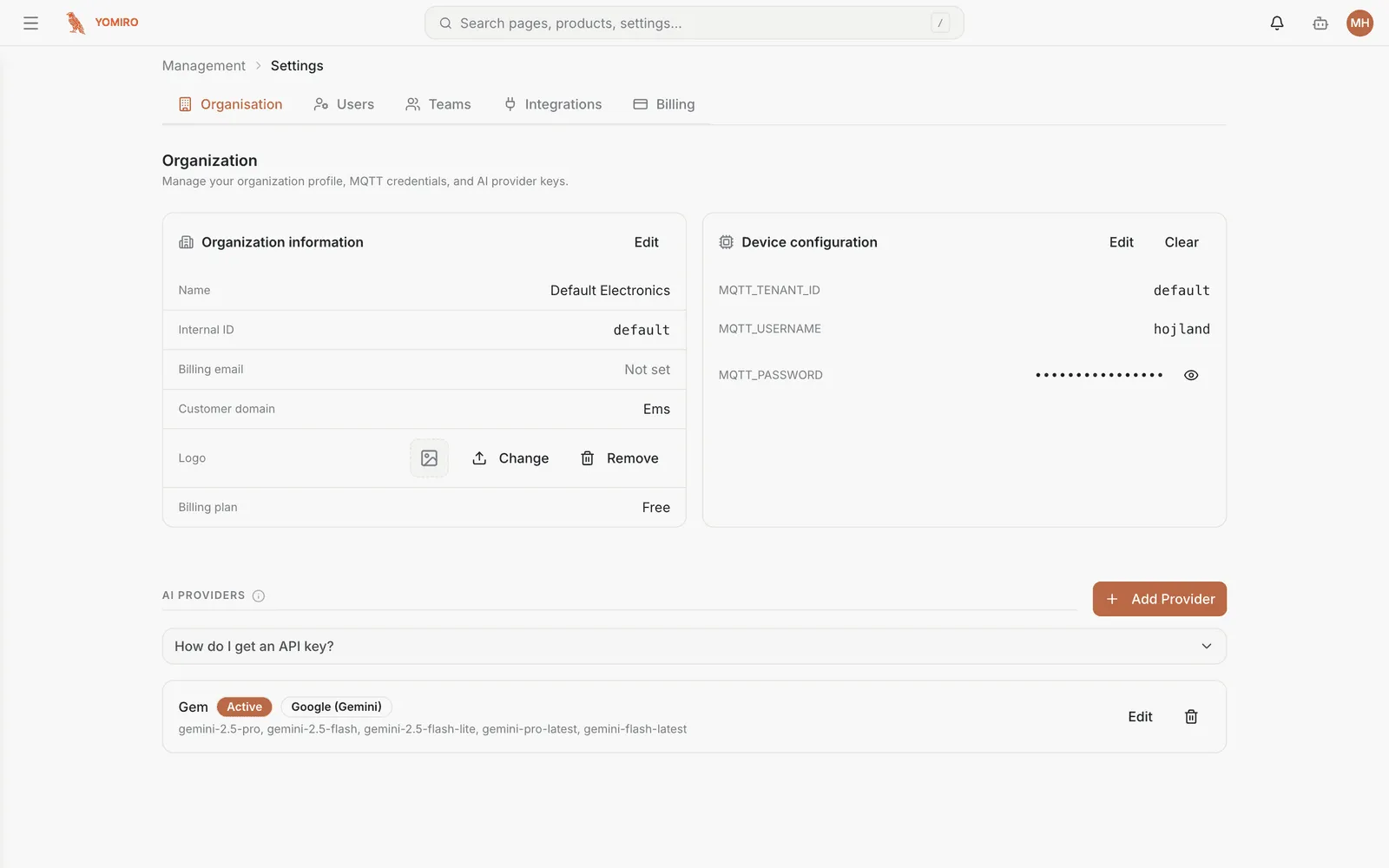
Your organization’s name, logo and details. The logo appears throughout the app, so this is the cheapest way to make the platform feel like yours.
MQTT credentials
Section titled “MQTT credentials”The credentials your edge devices use to reach the broker. Devices authenticate with these, and all their traffic is published on topics prefixed with your tenant — which is how one tenant’s devices stay invisible to another’s.
You need these when provisioning a new device. Treat them as secrets.
AI provider
Section titled “AI provider”Which AI provider and models your agents run on.
Yomiro is bring-your-own-key: you supply credentials for the provider you have a relationship with, and your prompts and data go to the provider you chose. Individual agents then select from the models available under that configuration.
If no provider key is configured, a platform default is used. Configuring your own is what puts you in control of where agent traffic goes.
Related
Section titled “Related”- Teams & users — who is in the organization
- Agents — what the provider configuration is for
- CLI › organization, ai-provider